Image to coloring page
Any image, clean closed outlines.

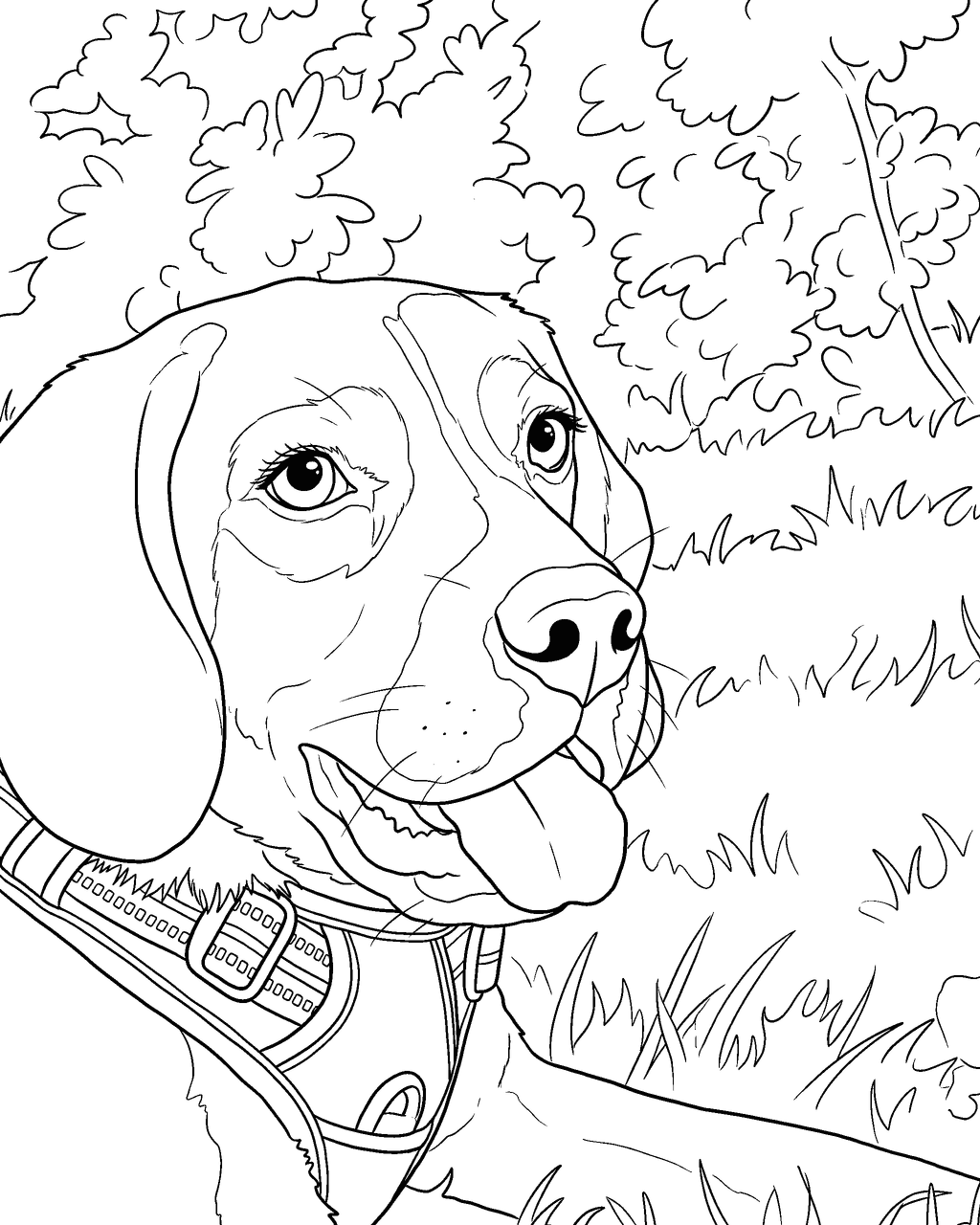
Drop a photo. We'll draw it.
JPG, PNG or WebP. Kids, pets, family, your house. You can also paste an image.
Your photos stay private. We never publish them.
Images turned into coloring pages
Tap a page to compare it with the photo it came from.
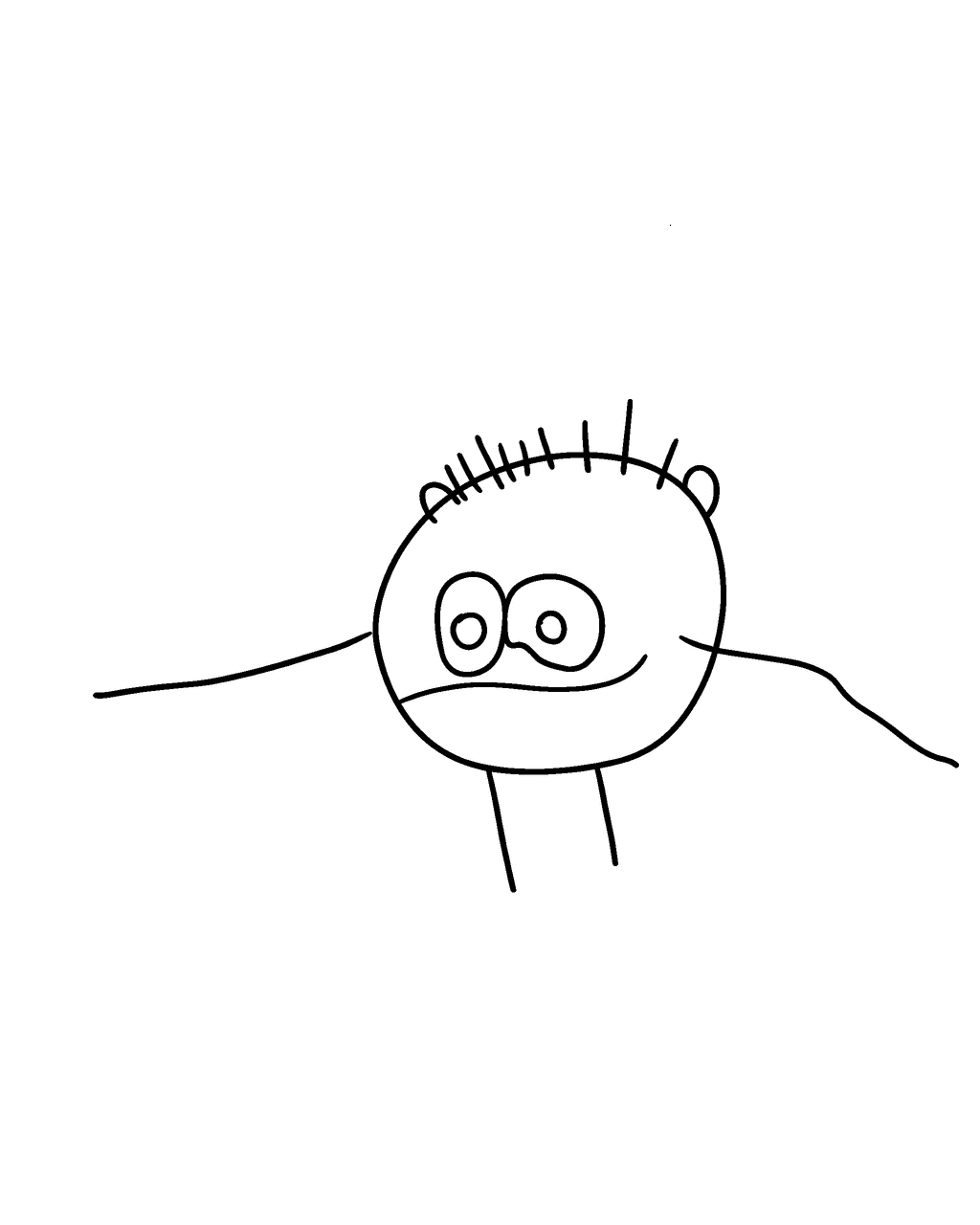
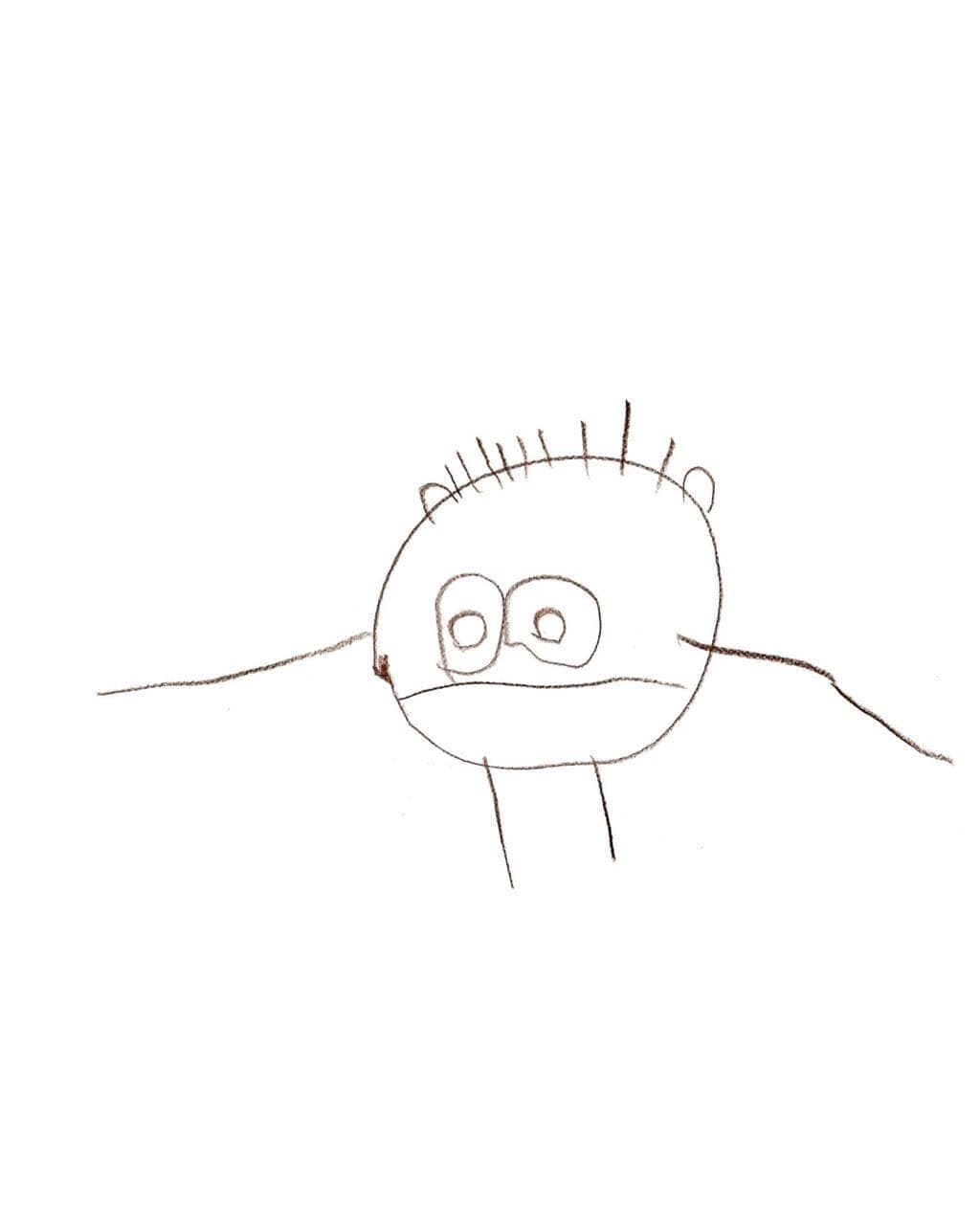
A 3-year-old's drawing · Toys & things
Made with Picture to Coloring Page from this photo. Photo: Teresa, age 3 (shared by Stonehead), CC BY-SA 3.0.
Handmade teddy bear · Toys & things
Made with Picture to Coloring Page from this photo. Photo: Clément Bucco-Lechat, CC BY-SA 3.0.
Toy truck · Toys & things
Made with Picture to Coloring Page from this photo. Photo: W.carter, CC0.
Which images work
| Image type | Works? | Tips |
|---|---|---|
| JPG / JPEG | Yes | The usual phone and camera format. Use the original, not a thumbnail. |
| PNG | Yes | Great for screenshots and scans. |
| WebP | Yes | Common when you save an image from a website. Only use images you have the right to use. |
| HEIC (iPhone) | Usually | Most iPhones convert to JPG when you upload from the browser. If not, choose “Most Compatible” in Camera settings. |
| GIF, SVG, PDF | No | Take a screenshot and upload the PNG instead. |
Turn your child's drawing into a clean coloring page
This is the one parents tell their friends about. Take a photo of your child’s crayon drawing (flat on the table, in daylight, filling the frame) and choose “Toys & things”. We keep the charm and the composition of their drawing and turn it into smooth, closed outlines they can color again, or share with a sibling.
Kids love seeing their own monster or rocket come back as a “real” coloring page. Add their name in hollow letters underneath and it becomes a page they made themselves.
Screenshots and scans
Screenshots and scans work as long as the subject is big and sharp. A few tips:
- Crop away buttons, captions and borders before you upload.
- Images need to be at least 400 pixels on the short side and at most 10 MB.
- Logos and printed text on objects are turned into plain shapes, so the page stays clean.
- Only upload images you own or have permission to use. No characters, logos or celebrities.
Favorite things make great pages
A worn-out teddy bear, the toy truck that goes everywhere, a bike, a sand castle: objects kids love make some of the best coloring pages because they are simple, recognizable shapes. Choose Easy for toddlers and the page comes out with thick lines and big spaces.
Questions about this
Can I turn a picture from the internet into a coloring page?
Only if you have the right to use it, for example a photo you took or one with a free license. Characters, brand logos and celebrity photos are not allowed.
Will my child's drawing still look like theirs?
We ask the drawing step to keep the composition and charm of the original and only clean it into smooth, closed outlines. Very faint pencil drawings work better if you trace them with a marker first.
Why was my image rejected?
Usually because it is too small (under 400 pixels on the short side), over 10 MB, or not a JPG, PNG or WebP file. The message tells you which one.