Photo to coloring page converter
Any photo, ready to print in a minute.
Drop a photo. We'll draw it.
JPG, PNG or WebP. Kids, pets, family, your house. You can also paste an image.
Your photos stay private. We never publish them.
Photos converted to coloring pages
Tap a page to compare it with the photo it came from.
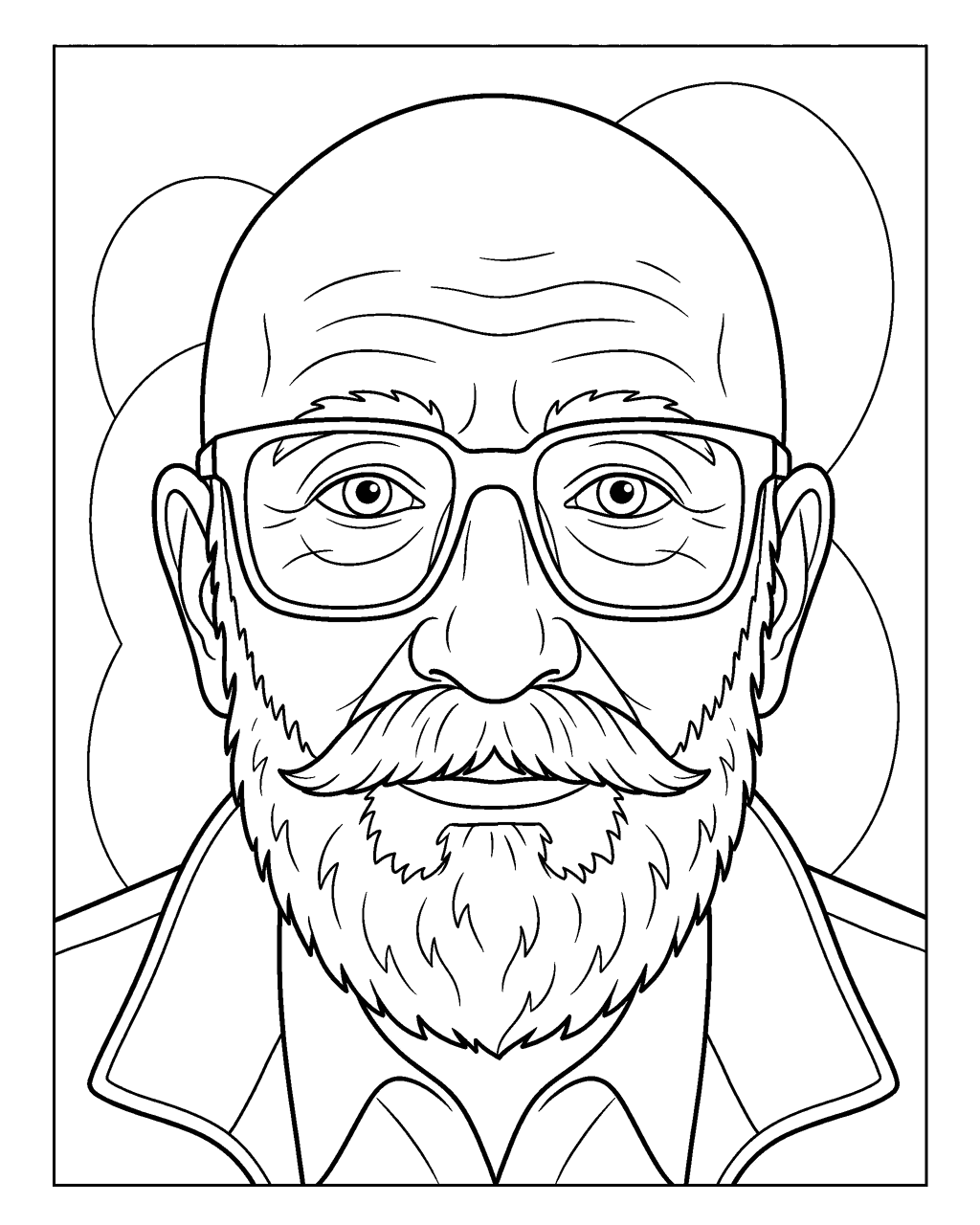
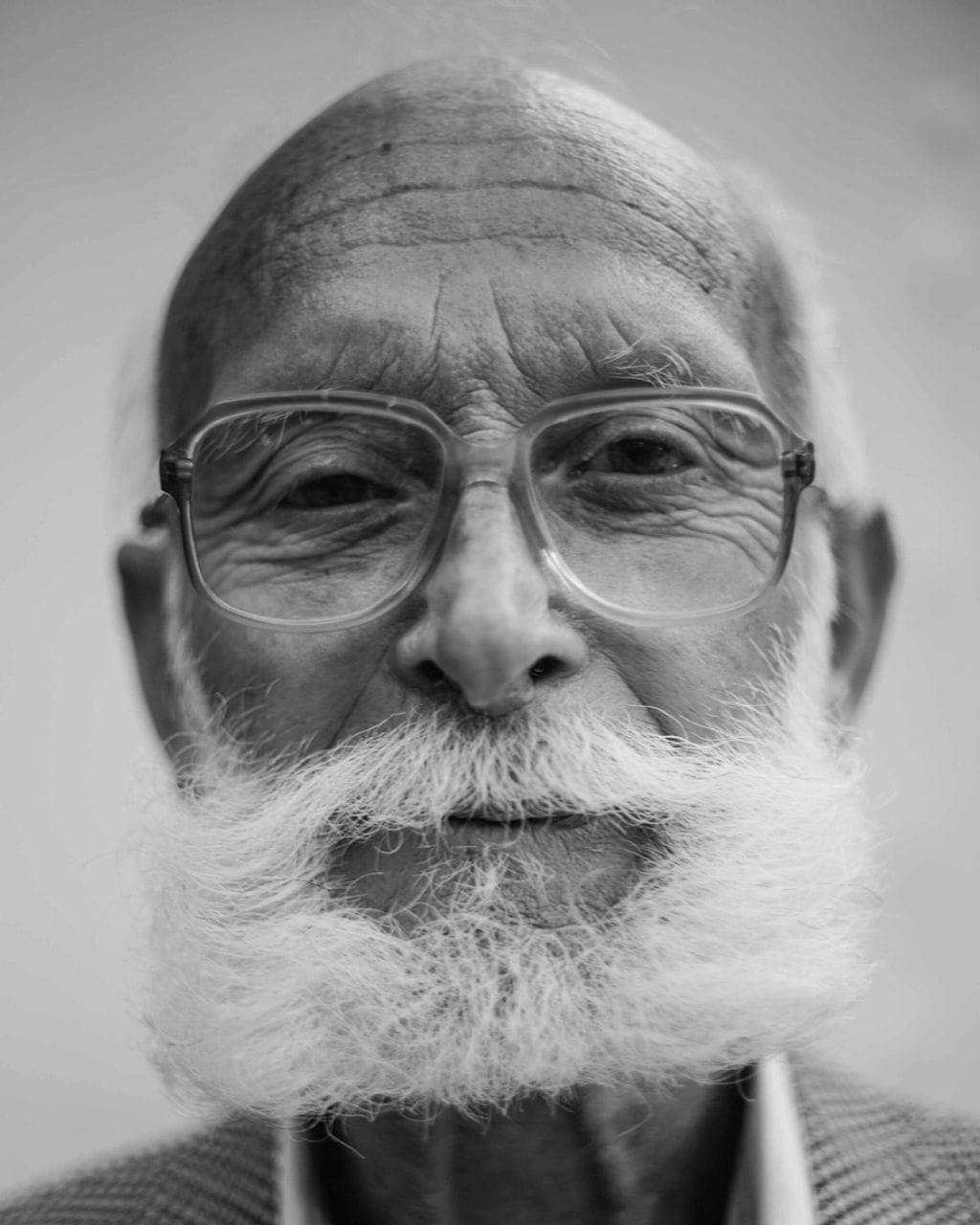
Grandpa with glasses · Family
Made with Picture to Coloring Page from this photo. Photo: Angelina Litvin, CC0.
Winter walk · Family
Made with Picture to Coloring Page from this photo. Photo: Andrew Milko, CC0.
Portrait · Kids & people
Made with Picture to Coloring Page from this photo. Photo: Joshua McKnight, CC0.
What makes a good conversion
Plenty of filters can trace the edges of a photo. The result usually looks like a smudgy pencil sketch: broken lines, gray patches and dark blobs where the shadows were. Kids cannot color that, and your printer hates it. A real coloring page needs three things, and the converter checks all of them.
- Closed outlines. Every shape is a complete loop, so a crayon has a clear area to fill and little hands know where to stop.
- No gray. We clean every page to pure black on pure white after drawing it. No shading, no hatching, no ink-hungry solid areas.
- Likeness. The page keeps the face shape, hairstyle, glasses and clothes from your photo, so it is clearly your kid and not a random cartoon.
Three line weights for three ages
The same photo can become a page for a toddler or for a grown-up. Pick the level before you upload, or change it after you see the result.
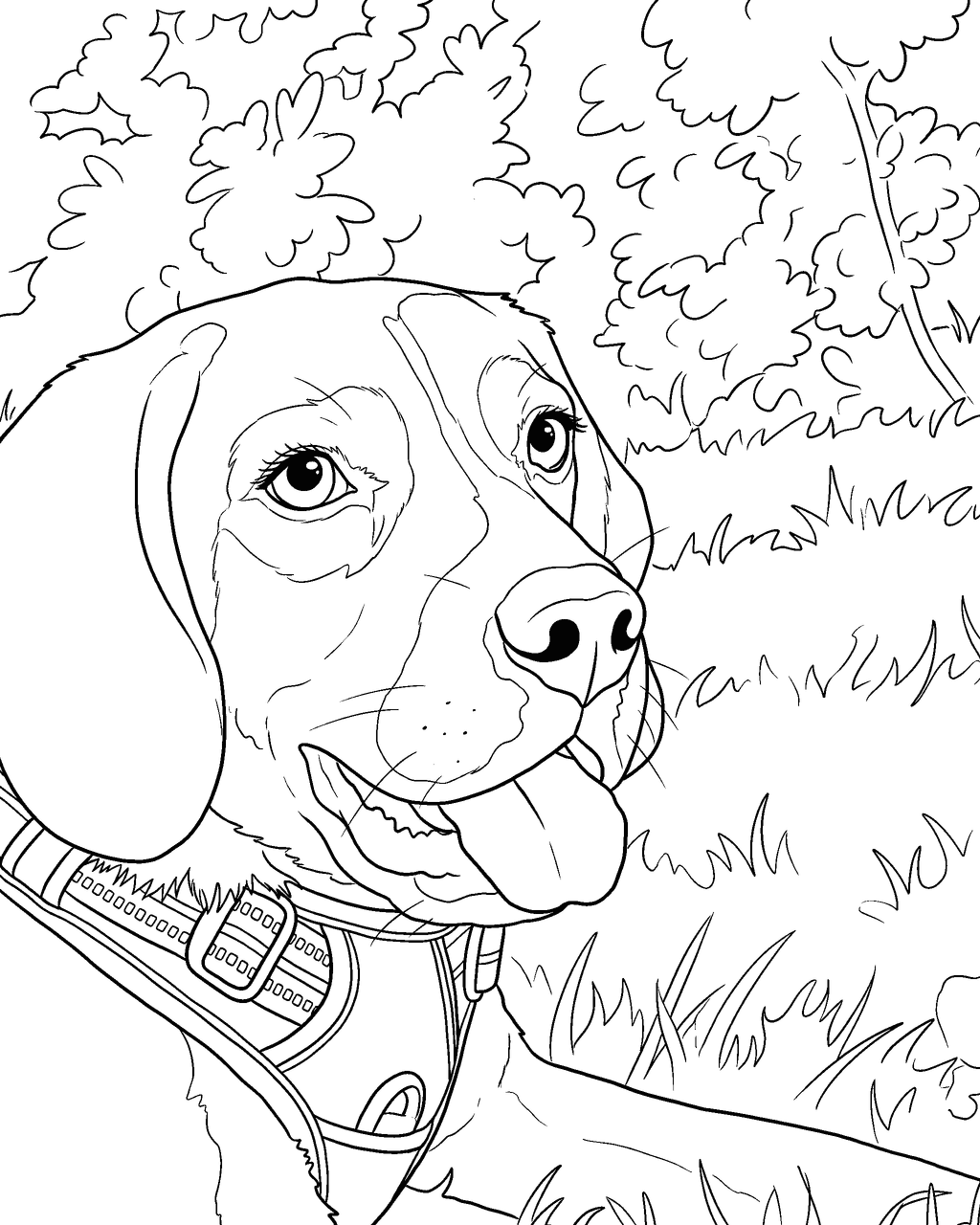
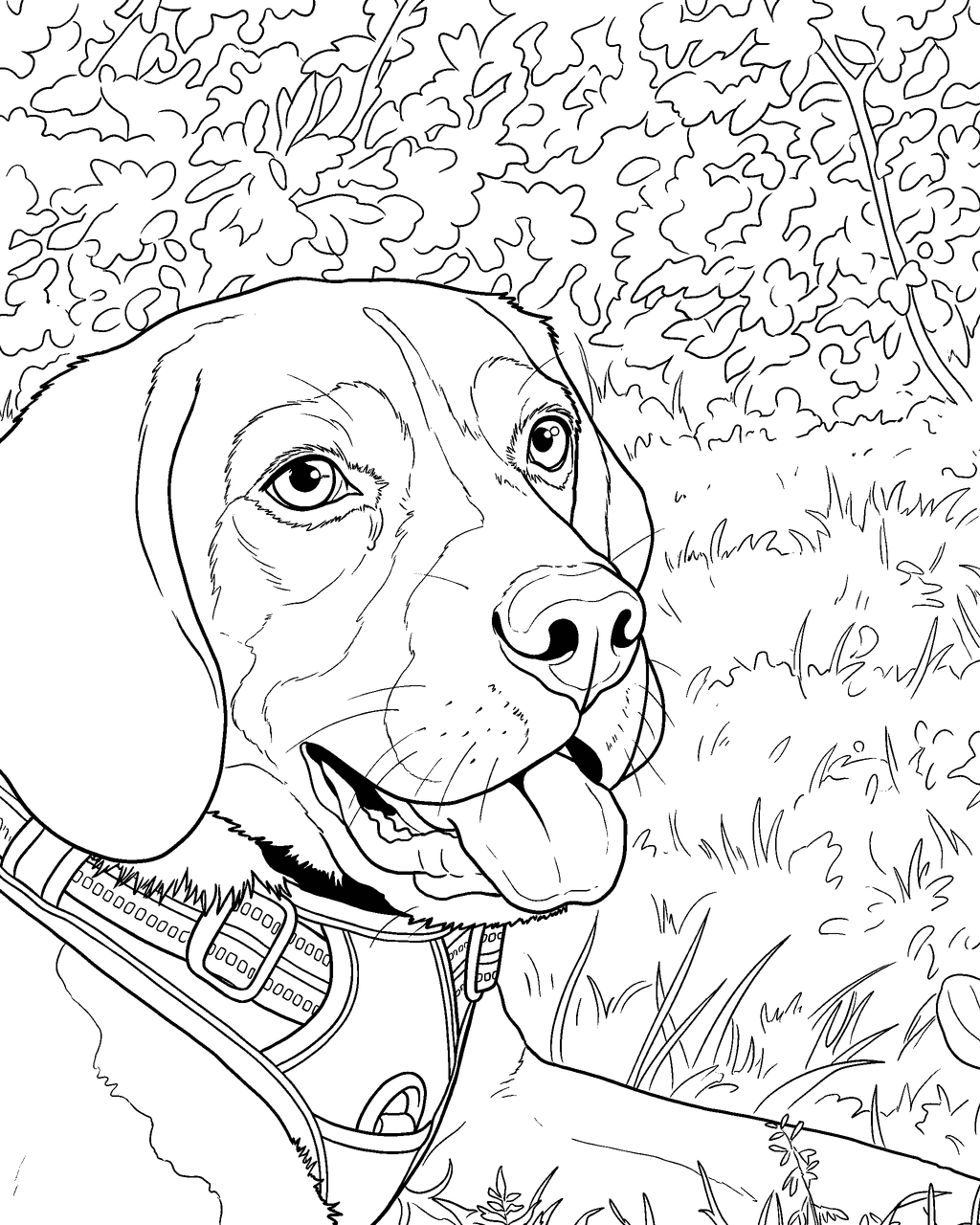
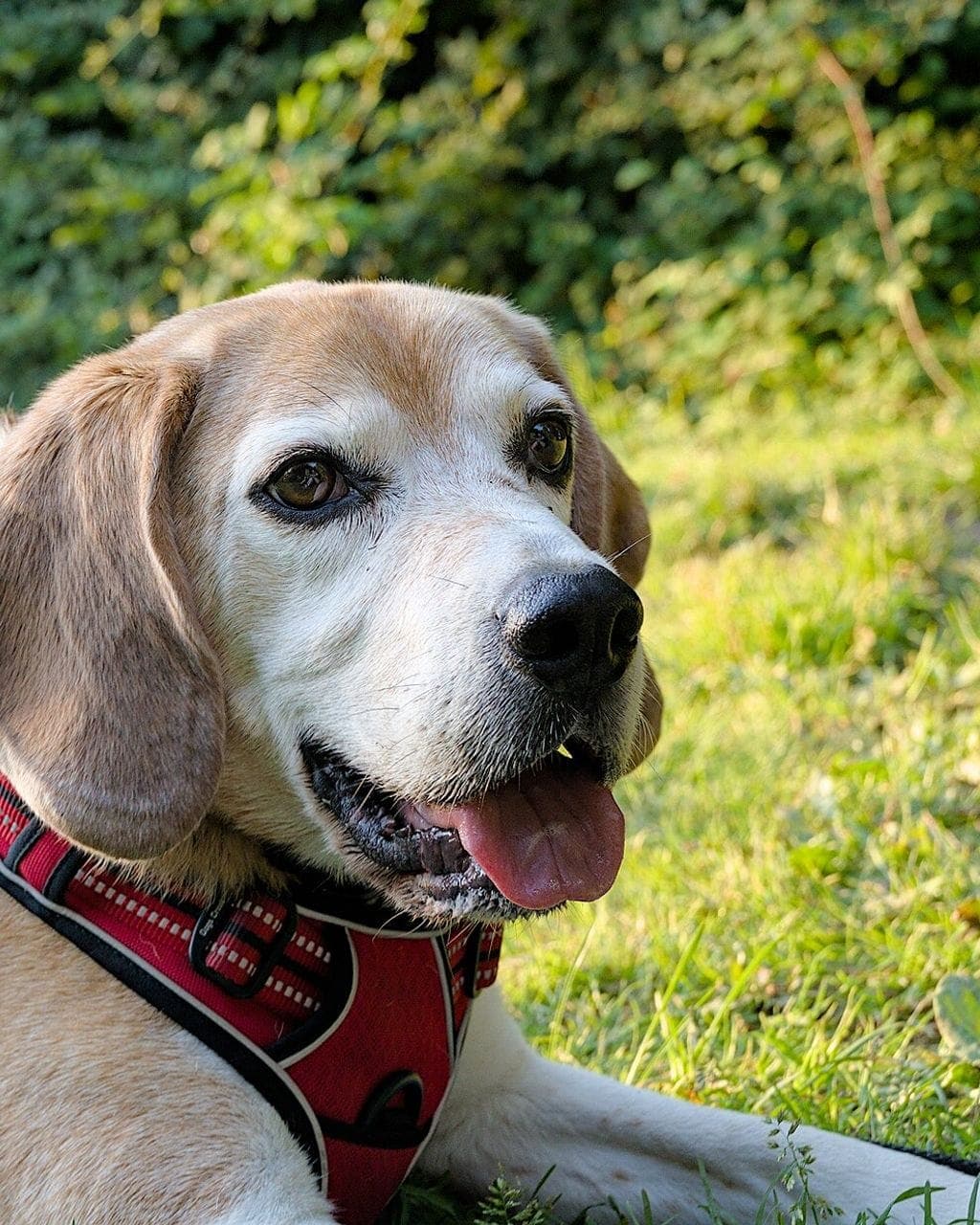 One photo of a beagle, three real pages made from it.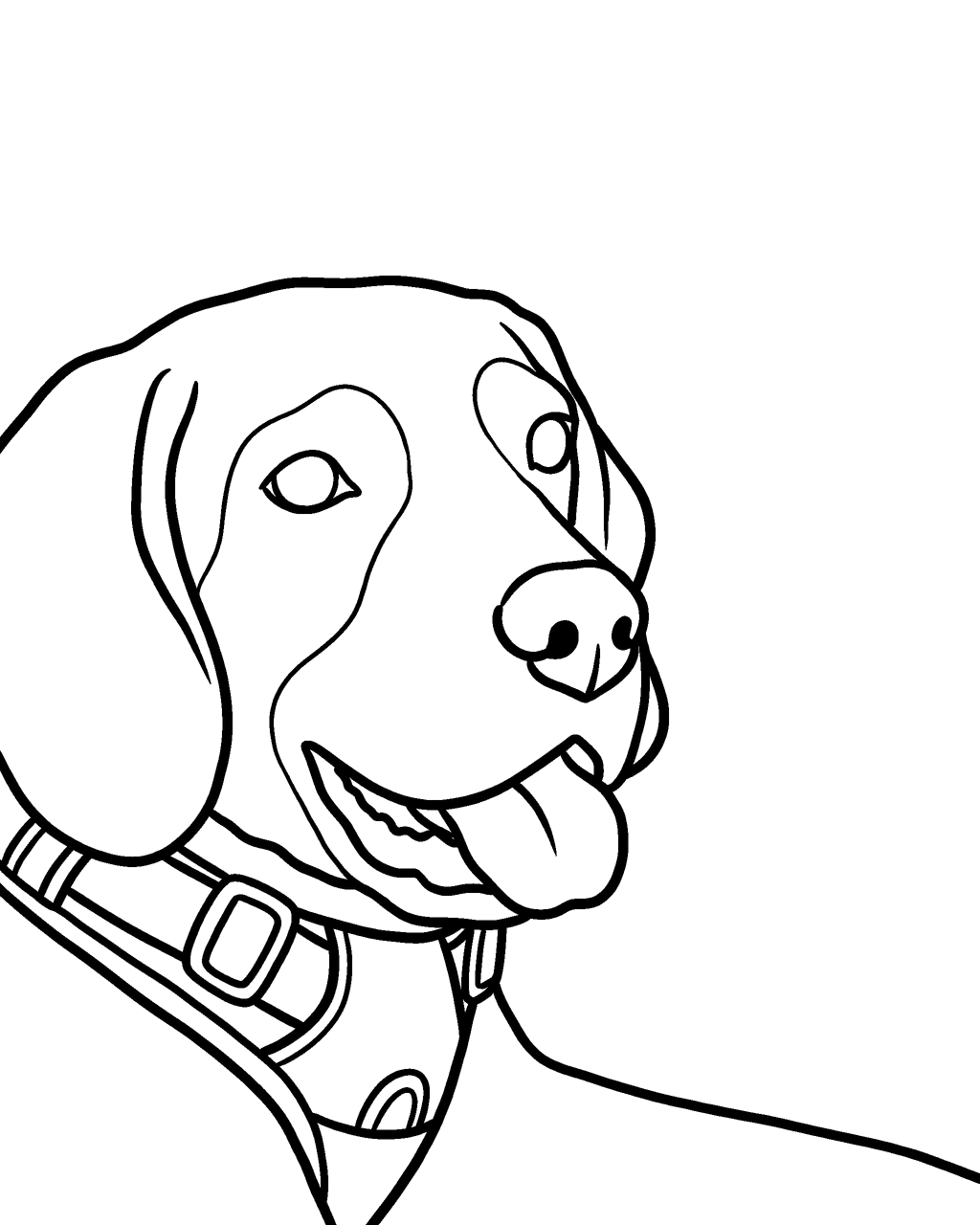
Easy · Ages 2–5
Very thick outlines, big simple areas, nothing smaller than a fingertip.
Classic · Ages 6–10
Medium lines with some detail in hair, fur, clothes and background.
Detailed · Teens & adults
Fine, crisp lines and rich detail in hair, fur and fabric. Still no shading.
How the converter works
You upload one photo. We strip its location data, resize it and send it to the drawing step with instructions to keep the pose, the camera angle and the proportions exactly as they are. The page comes back as line art, we clean it to pure black and white, and you see a preview in about a minute.
You can print the free preview right away. It carries a light watermark. A page pack gives you the print-ready PDF in Letter or A4 and a PNG, with no watermark, for this page and every page you made before.
If a page comes out too dark or busy, we say so and offer one free redo with a plain background or Easy lines. If a page fails completely, you are not charged.
Which photos convert best
Works great
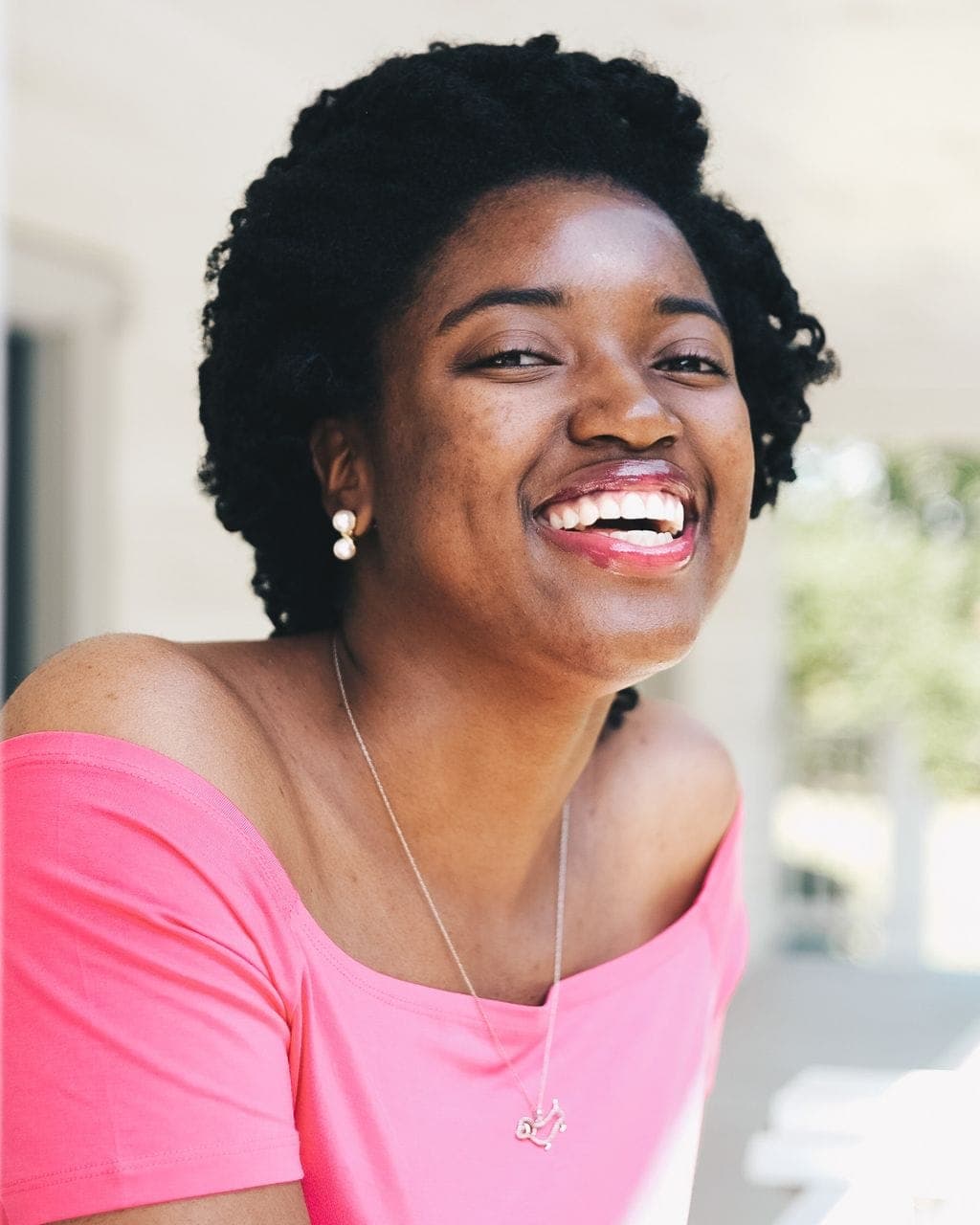 Face close to the camera
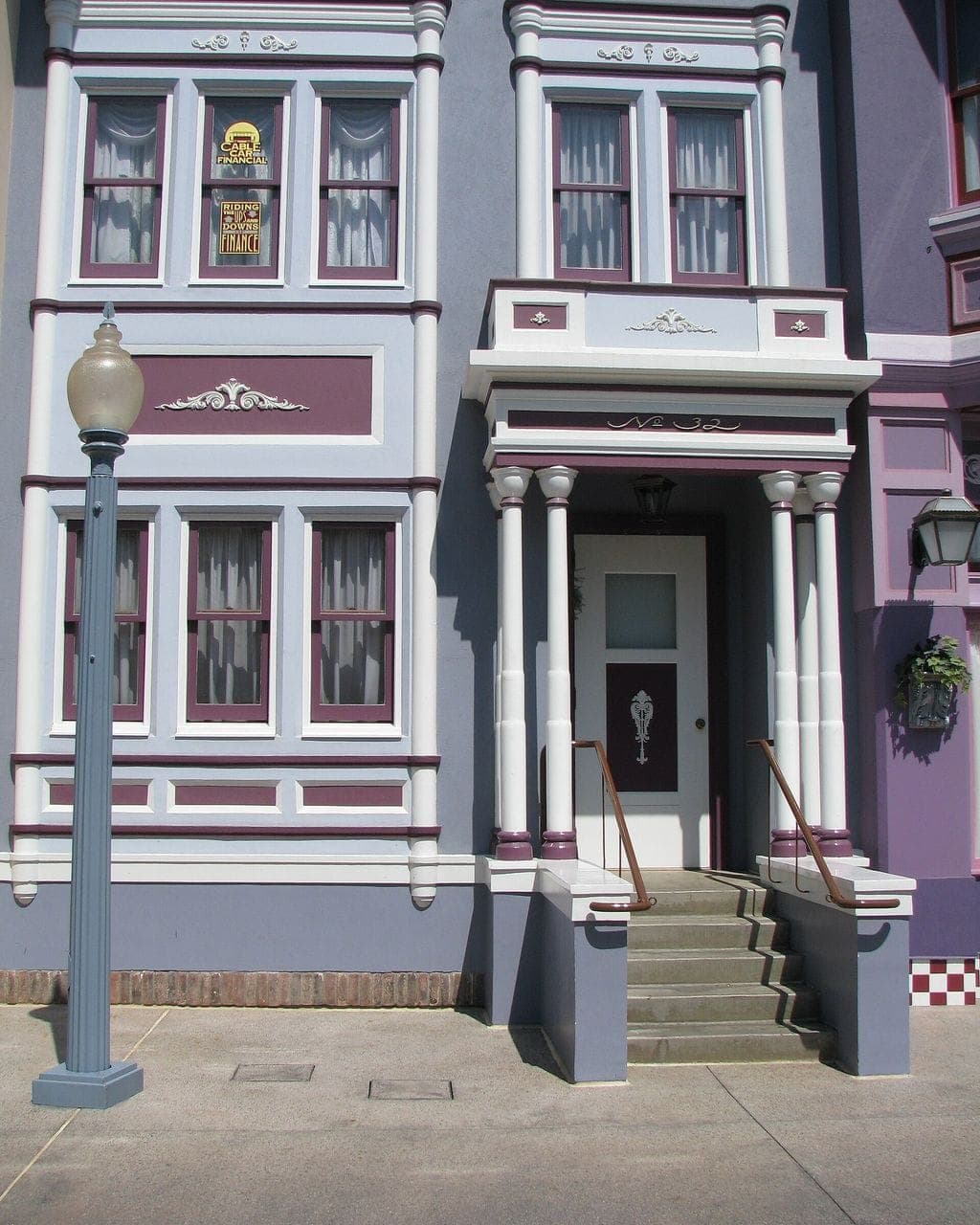 Good daylight
- One clear subject
Tricky
- Tiny faces far away
- Very dark or blurry
- Busy crowds
If a photo is tricky, crop it so the person or pet fills most of the frame before you upload.
Questions about this
Is this a filter or a real drawing?
It is a new drawing made from your photo, not an edge filter. Pages are drawn by AI from your photo and then cleaned to pure black lines on white, so you get closed shapes you can color instead of a gray sketch.
Can I convert a photo with glasses, hats or busy clothes?
Yes. Glasses, hats and patterned clothes are kept as outlined shapes. For very busy patterns, Easy or Classic lines give bigger areas that are nicer to color.
How long does a conversion take?
Usually 35 to 70 seconds. You watch your own photo being sketched while you wait, and the finished page appears on the same screen.